

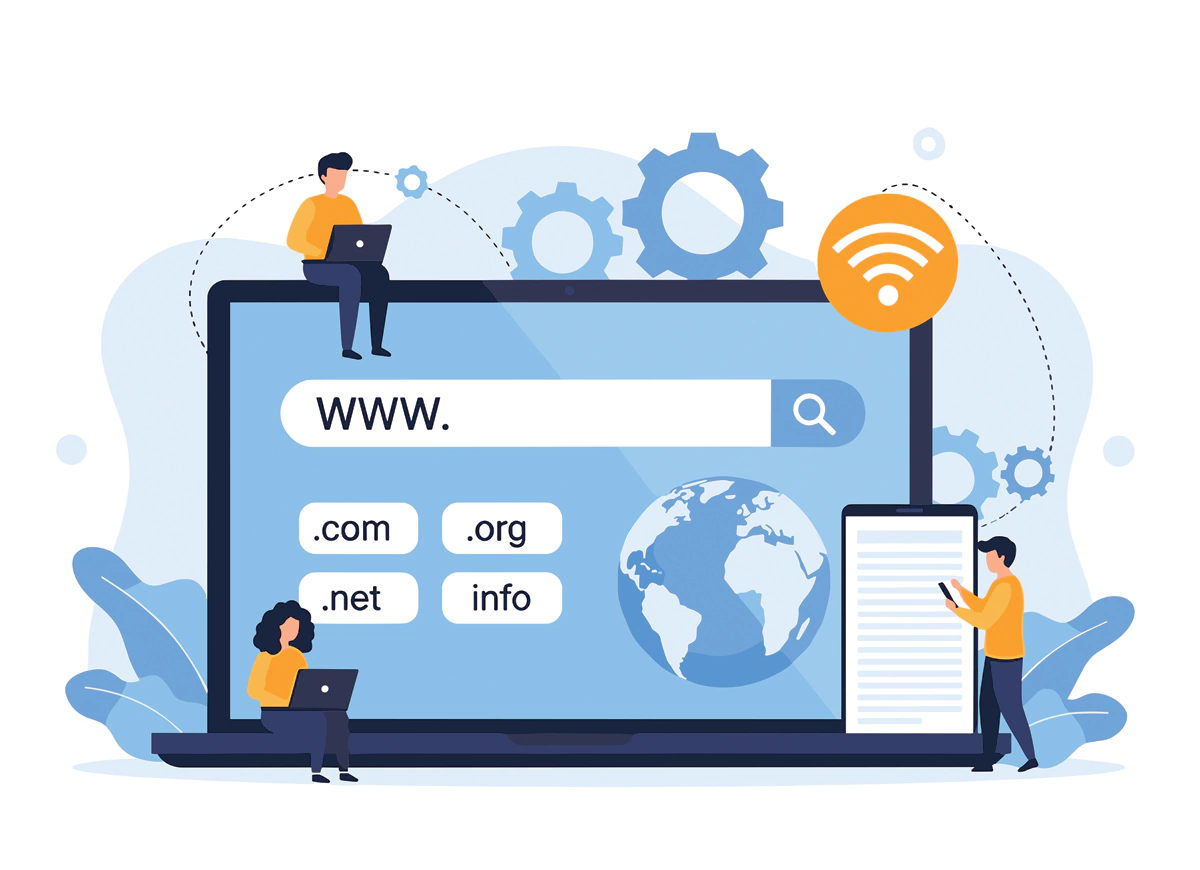
Changing a domain name looks fairly simple on paper. Register a new address, point it at your site, and move on. In practice, it’s rarely that clean. A domain impacts search visibility, email delivery, legal compliance, and how real people decide whether to trust you. In Australia, there are extra rules layered on top, and ignoring them is one of the most common reasons businesses run into trouble months after the change.
This guide explains how to change a domain name properly, without guesswork or shortcuts.
Why Australian Businesses Change Their Domain Name
Most businesses don’t change domains on a whim, it usually follows a shift. Sometimes it’s a rebrand after growth or sometimes the original domain was registered quickly, under a personal name, or before the business direction was clear. In other cases, the issue is legal, the domain no longer matches the registered business name, or ownership is unclear.
According to Verisign’s Domain Name Industry Brief, around one in three small businesses change or add a domain within their first five years. In Australia, that number is influenced heavily by compliance. Businesses that start informally often need to clean things up later.
A domain isn’t just an address, it’s part of how customers judge legitimacy. When paired with professional website design, a clear domain often improves trust and recall almost immediately.
Related Read – Types of domains: What to know before choosing one
Australian Domain Rules You Need to Understand First
If you’re moving to a .com.au or .net.au domain, you’re dealing with auDA regulations, not just a registrar’s terms.
Your domain must:
- Closely match your registered business name, company name, or trademark
- Be actively used in connection with that entity
This catches people who try to register shortened, keyword-based, or “almost” matching domains. auDA has publicly stated that thousands of Australian domains are suspended or cancelled every year due to eligibility breaches, often after the site is already live.
Before registering anything, check:
- ABN details
- ASIC records
- Trademark listings
If they don’t line up, fix that first. It’s far easier than dealing with a cancellation later.
Step 1: Secure the New Domain (Before Touching the Old One)
Never cancel or let your existing domain lapse before the new one is registered. Register the new domain and hold it, even if you’re not ready to use it yet. Domain squatters move quickly, especially when a business name is visible online.
Once registered, you can park the domain or point it to a temporary page while planning the change properly.
Step 2: Treat the Change Like a Project, Not a Switch
This is where most problems begin. A domain change affects more than your website. Before doing anything technical, list:
- All email addresses
- Staff logins tied to the domain
- CRMs, accounting software, and cloud tools
- Marketing campaigns, ads, printed materials, and QR codes
A 2023 Clutch survey found nearly 40% of small businesses experienced email disruption during a domain change, usually because this step was rushed.
Pick a quiet period if possible. Avoid combining a domain change with a full content overhaul unless you have strong technical support.
Step 3: Hosting, DNS, and SSL (The Part No One Notices Until It Breaks)
Your hosting provider needs to:
- Add the new domain
- Point DNS records correctly
- Ensure SSL certificates cover the new address
DNS propagation can take anywhere from a few minutes to 48 hours. During that time, different users may see different versions of the site. That’s normal, but it should be expected.
SSL is not optional. Browser warnings destroy trust instantly, and search engines actively penalise unsecured sites.
Step 4: Redirects Are Where Most SEO Damage Happens
Every page on the old domain should redirect to its equivalent on the new domain using 301 redirects. Without them:
- Search engines treat the new site as brand new
- Existing backlinks lose value
- Rankings often drop sharply
Google has confirmed that proper 301 redirects transfer most link equity, but only when done correctly. Redirecting everything to the homepage is a common mistake and often backfires.
This step requires precision, one bad rule can quietly break hundreds of URLs.
Step 5: Email and Internal Systems (The Human Cost)
Email issues are what clients notice first.
You’ll need to:
- Set up new email addresses
- Configure MX, SPF, and DKIM records
- Forward emails from old addresses
Many businesses keep email forwarding permanently. It’s low effort and prevents missed messages from people who don’t update contacts quickly.
- Accounting platforms
- CRM logins
- Cloud storage access
- Staff accounts
These failures often appear weeks later, not immediately.
Step 6: Tell Google, Then Tell People
Once the site is live:
- Update Google Search Console and submit a change-of-address request
- Upload a new sitemap
- Update Google Business Profile
- Change social media bios and directory listings
Google states that sites which formally notify domain changes recover search stability faster than those relying on crawlers alone. Externally, a short customer notice helps, confusion drops when people know what’s happening.
Related Read – Benefits Of The New .Au Direct Domain Name
Common Mistakes That Still Happen
These come up repeatedly:
- Letting the old domain expire
- Forgetting deep-page redirects
- Changing branding, content, and domain simultaneously
- Ignoring auDA eligibility rules
None are dramatic on their own but together, they cause long-term damage.
Is Changing a Domain Name Worth It?
Often, yes when it solves a real problem. A clearer domain that aligns legally and commercially can strengthen trust and simplify marketing. But if your current domain still works and complies, staying put is sometimes the smarter decision. The real risk isn’t changing a domain. It’s changing one without a plan. So, if you are planning to change your domain, our experts can help. Our team at Make My Website specialises in web design in Melbourne and can assist you with the entire process. Connect with us today to streamline your journey and ensure a smooth transition.
Frequently Asked Questions
1. Will my website lose traffic after a domain change?
Some short-term fluctuation is normal. With proper 301 redirects, updated sitemaps, and a change-of-address notice in Google Search Console, traffic usually stabilises within weeks rather than suffering long-term loss.
2. How long should I keep my old domain active?
Most Australian businesses keep their old domain for at least 12 to 24 months. This gives search engines, customers, and external websites time to update links naturally without causing broken pages or missed enquiries.
3. Can I change domains without rebuilding my website?
Yes. The website itself can remain unchanged, the domain simply points to it. The critical work happens behind the scenes with DNS settings, redirects, and ensuring email and system access continues smoothly.
4. Are .com.au domains harder to register than others?
They are more regulated. auDA requires domains to closely match your registered business name, company name, or trademark. Domains that don’t meet eligibility rules can be suspended even after being live.
5. Should customers be told before the domain changes?
Usually yes, especially if email addresses are changing. A brief notice reduces confusion, reassures customers the change is legitimate, and helps prevent missed messages or trust issues during the transition.


















 1300769302
 info@makemywebsite.com.au