

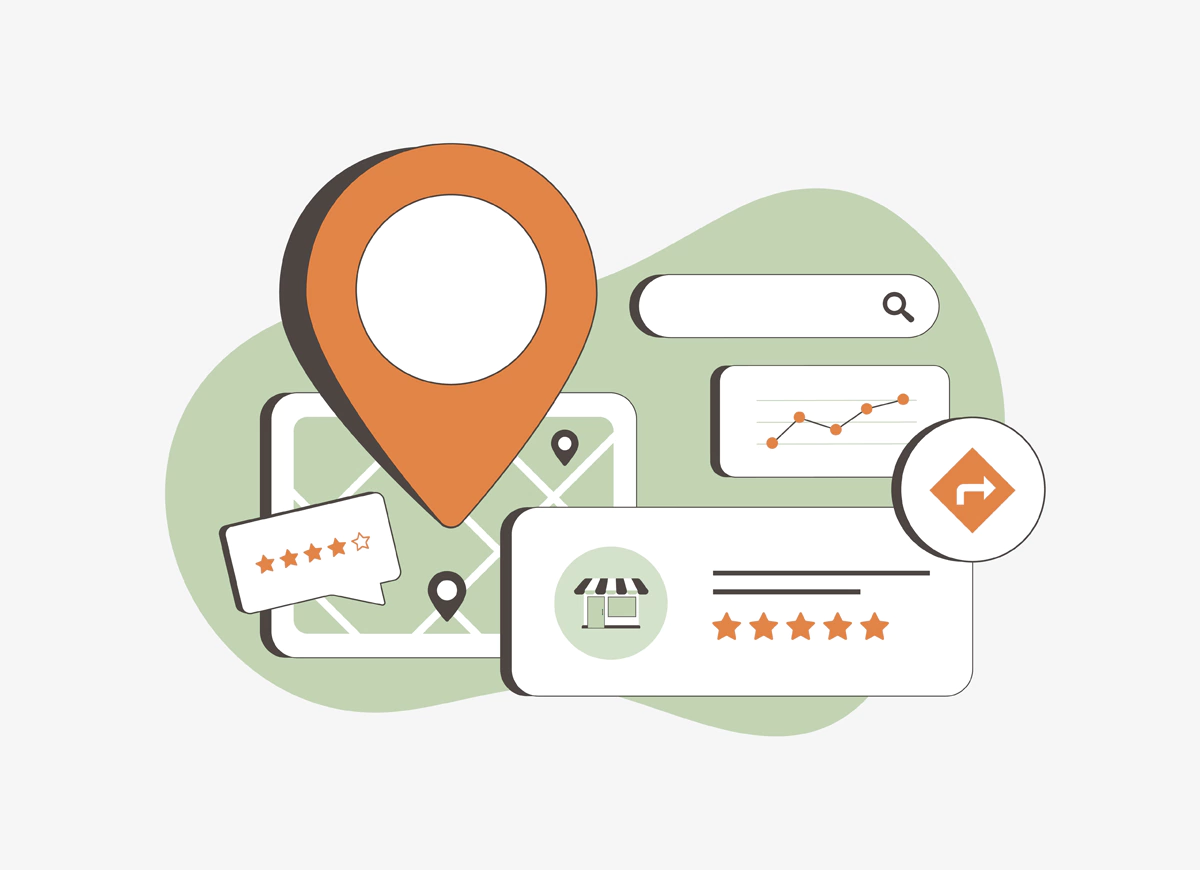
For any local business, Google Business Profile (GBP), formerly Google My Business (GMB), is an essential tool. It’s the first thing potential customers see when they search for your business on Google Search or Maps. With more people relying on their phones and computers to find services nearby, having an optimised GBP can make a significant difference in how visible you are. In this guide, we’ll walk you through the key steps to optimise your GBP and increase your chances of being found.
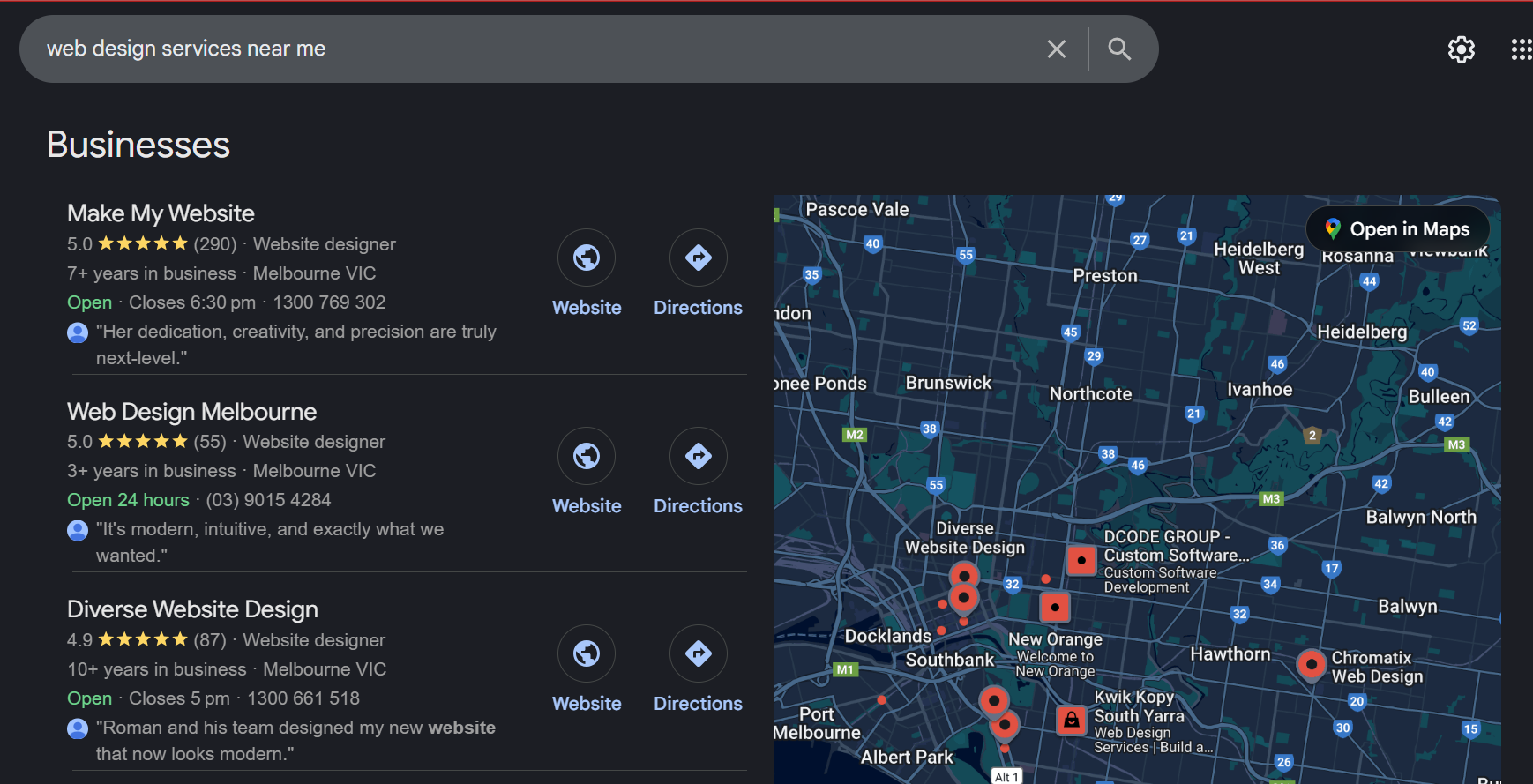
1. Claim and Verify Your Business
The very first step in optimising your GBP is claiming and verifying your business. If you haven’t done this already, it’s a crucial step towards promoting the visibility of your online business. When you claim your business, you gain control over the details displayed on Google, such as your address, hours, and reviews.
Verification is usually done via a postcard Google sends to your physical address with a code. Once you enter the code, Google will confirm your business. Also, you might be required to complete a video verification of the location by sharing a proper video covering the street, office building, signage and address.
The process can take a few days to a couple of weeks. If you’re lucky, you might be able to verify via email or phone.
2. Complete Your Profile Fully
Once your business is verified, it’s time to fill in the details. A complete profile is crucial for ranking well in local search results. Google rewards businesses with filled-out profiles because they help customers make informed decisions.
Here are the sections to focus on:
- Business Name: Keep it accurate and simple. Avoid adding extra keywords or location terms, like “Best Pizza in Town.” Use your actual business name as people would search for it.
- Address: If you have a physical storefront, ensure your address is correct. If you’re a service-area business (e.g., a plumber), you can hide your address and list the areas you serve instead.
- Phone Number: Use a local number, if possible. Local numbers are seen as more trustworthy by both customers and Google.
- Website: Link your business website if you want to give customers more information. This helps drive traffic to your site.
- Business Hours: Update your operating hours regularly, especially during holidays or special events.
- Categories: Pick the most relevant category for your business. For example, if you run a bakery, select “Bakery” as your primary category. You can add secondary categories, but your primary one is the most important.
3. Craft a Clear Business Description
Your business description is a chance to introduce your business to potential customers. You’ve got 750 characters, so make sure you use them wisely.
For example, if you run a café, you could say, “We’re a family-owned café serving fresh coffee and homemade pastries every morning. Our relaxing atmosphere is perfect for meeting friends or working remotely.”
Keep it clear, concise, and free of jargon. You can include a few relevant keywords (like “coffee shop”), but don’t overstuff it, Google appreciates natural, readable descriptions.
4. Add High-Quality Photos
Photos are one of the most effective ways to attract attention. Businesses with photos receive 42% more requests for directions and 35% more clicks to their websites than those without.
Here’s how to use photos effectively:
- Profile Photo: This is the first thing customers will see, so make sure it’s clear and relevant. A photo of your store or a product is ideal.
- Cover Photo: This photo appears at the top of your profile. Choose something eye-catching that represents your business, like a wide shot of your space or a popular product.
- Additional Photos: Upload as many photos as you can. Show off your products, your team, your space, and anything else that gives customers a feel for your business.
- Videos: Adding a video, like a quick tour of your store or a behind-the-scenes look, can be a great way to engage customers.
Regularly updating your photos helps keep your profile active, relevant, and more visible in local search results.
5. Encourage and Respond to Reviews
Customer reviews are a huge part of your GBP. Not only do they help build credibility, but they also affect your search ranking. Google rewards businesses with good reviews and high engagement by increasing their visibility and trust signals across Google’s ecosystem.
Encourage happy customers to leave reviews, and don’t forget to respond to them. Thank customers for their positive feedback, and address any complaints professionally. For example, for a positive review, you can reply with: “Thank you for your kind words! We’re so happy you enjoyed our coffee. We hope to see you again soon.” For negative reviews, be empathetic and offer a solution: “We’re sorry to hear about your experience. Please reach out to us directly so we can make it right.”
6. Use Google Posts for Updates
Google Posts let you share updates directly on your GBP. They appear in both your profile and Google search results. You can use posts to share:
- Promotions: Offer discounts or special deals.
- Events: Let customers know about upcoming events or sales.
- Business news: Share any exciting updates, like new products or changes in services.
Posts last for seven days, so keep them updated. Regular posting keeps your profile active and helps increase visibility in search results.
7. Enable Messaging for Quick Communication
GBP offers a messaging feature that allows customers to send messages directly to your business. If you have the time to manage it, enable this feature to allow customers to ask questions or request more information.
Be sure to respond quickly to messages. If you’re not available to reply right away, set up an automated greeting like: “Thanks for reaching out! We’ll get back to you soon.” This way, customers know their message has been received.
8. Track Performance with Insights
GBP provides insights into how people interact with your profile. You can see how they found you, what actions they took (like visiting your website or calling), and where they’re located.
This data can help you adjust your strategy. For example, if you see that most of your customers are finding you via mobile and calling, you may want to ensure that your contact info is easy to find.
9. Keep Your Profile Updated
A business profile that’s regularly updated shows Google (and customers) that you’re active and engaged. Review your profile every few months to make sure your information is correct, especially hours of operation and contact info.
If you offer seasonal products or services, update your profile to reflect that. If you’ve introduced new offerings or have a special event, make sure you share it.
Conclusion
Optimising your Google Business Profile is a key step in making sure your business shows up when people search for services like yours. By claiming your profile, completing your details, uploading quality photos, engaging with reviews, and posting regularly, you increase your chances of being found. Keep your profile fresh, monitor your performance, and update it as needed, and your GBP can become a powerful tool for attracting new customers. The more time you invest in your profile, the better the results will be.
If you need professional assistance with optimising your GBP profile or general SEO in Geelong, reach out to our experts at Make My Website today.











 1300769302
 info@makemywebsite.com.au